Rentals Tab Overview
HiLucy Team·Updated 2026-07-13·2 min read
The Rentals tab is your default view when you open the Rental Manager. It's where you see what's happening today, what needs attention, and where you take per-booking action.
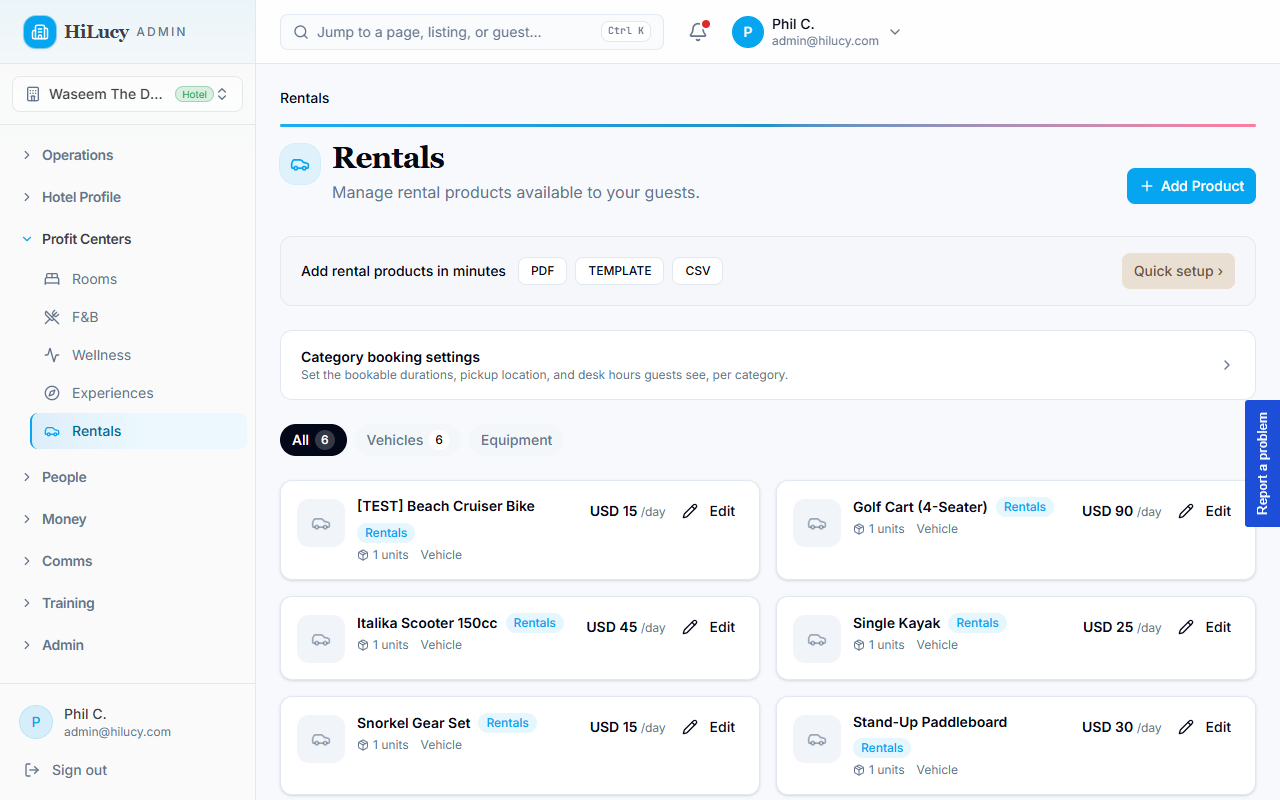
What the tab shows
KPI cards (top row)
Five live counters, scoped to your active vendor and store:
- Active rentals — rentals currently in-progress (started, not yet returned)
- Units out — number of physical units currently rented
- Returning this week — rentals with end dates inside the next 7 days
- Overdue — rentals past their end date and not yet returned
- Projected value — total dollar value of bookings in the active filter
Calendar widget
A draggable calendar showing every rental as a coloured block on its assigned unit lane. Drag an event to move a rental's window; click an event to open the Rental Detail panel.
Rental list (table)
Sortable columns: Customer, Product, Quantity, Out date, Due date, Payment total, Method, Status.
The list has four views:
| View | Includes |
|---|---|
| Upcoming | Rentals starting in the future |
| Current | Rentals in progress today |
| Past | Returned rentals |
| Trash | Soft-deleted (cancelled) rentals — recoverable for 30 days |
Per-rental actions
Click any row to expand the Rental Detail panel. From there you can:
- Extend the rental (add days)
- Edit dates (shift the window without adding days)
- Add a charge (damage / fuel / late fee / extras)
- Assign or swap a unit
- Record a payment (cash / transfer / payment-link)
- Collect a deposit (Stripe card-on-file)
- Cancel (with refund-policy preview)
- Log condition at pickup or return
- View internal notes and message history
Tip — keyboard navigation
The tab strip supports arrow keys (←/→), Home, and End. Inside the list, expanded rows close with Esc.
See also
Was this article helpful?